1.1. Sign in to Nectainium
You can sign in to Nectainium using the link provided by your system administrator.
1.1.1. Sign in to your profile
-
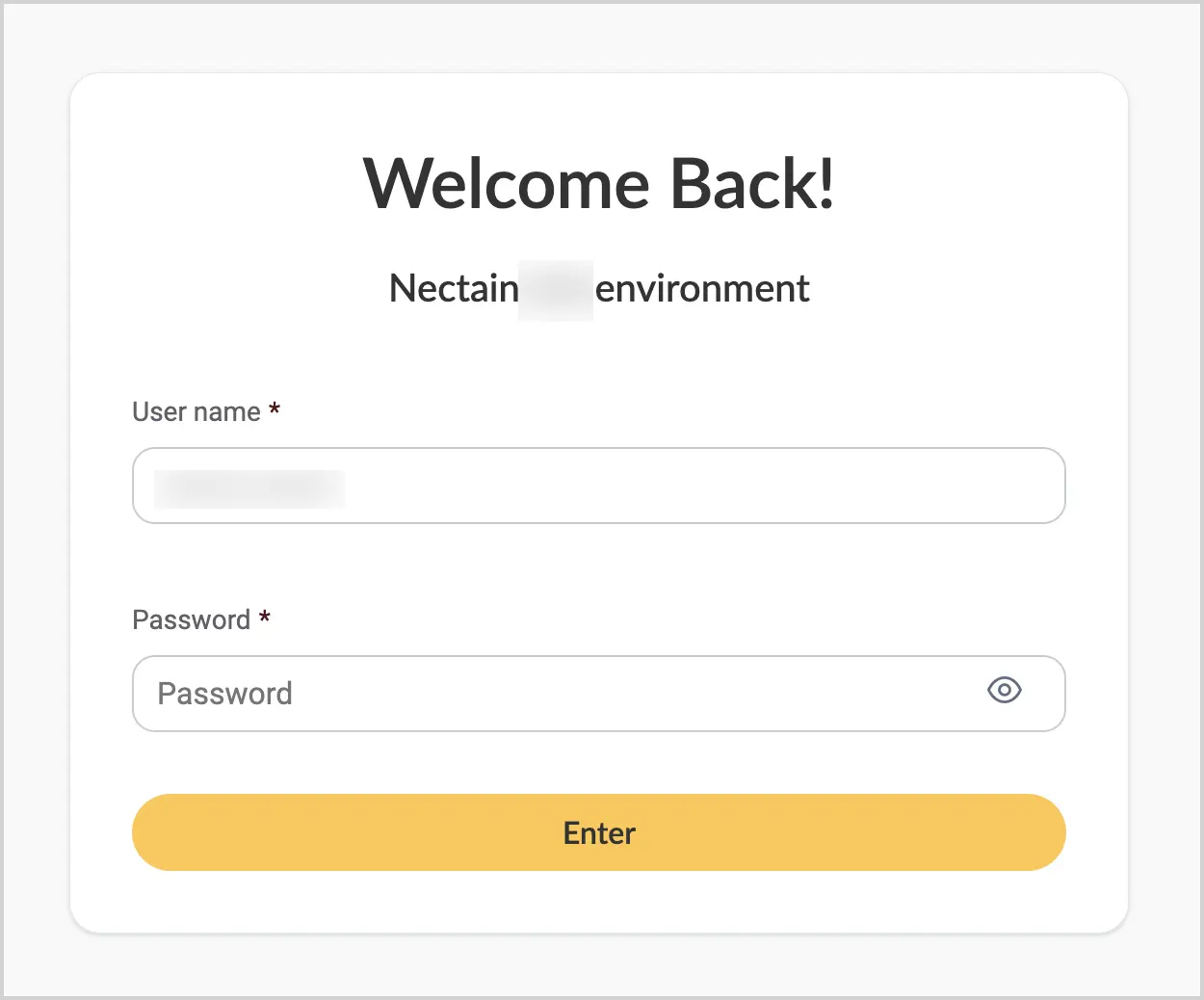
Follow the link provided by your system administrator.
-
In the User field, enter the login provided by your system administrator.
-
In the Password field, enter the password provided by your system administrator.
-
Select the Enter button.
Note:
The sign-in page may differ depending on the system settings configured by the implementation team. See Sign-in page.